What exactly is a personalized link?
A personalized or contextualized appointment link is a link that carries customer context: the branch, the advisor, the reason for the visit, and sometimes the customer's identity. The customer arrives at a pre-filled form and simply needs to choose their time slot.
Its effectiveness comes down to one word: speed. A study published in the Harvard Business Review back in 2011 showed that a company that contacts a lead within an hour is nearly seven times more likely to qualify them than a company that waits an hour longer. Pre-filled links shorten this delay to just a few minutes. In a large property management network, it tripled the conversion rate of valuation requests in four months.
The problem, therefore, is not the link itself, but its lifespan.
Anatomy of two links
Here are two links that display the exact same screen to the customer.
Link A tells everything to anyone who reads it. Link B says nothing; it carries a reference, and the customer's information remains in your systems. For the customer, there is no difference; for your data, it makes all the difference.
A URL is not a vault; it's a postcard
A URL never stays just between the sender and the recipient. It travels and leaves traces:
- In email inboxes, every time it is forwarded to a spouse, a colleague, or an assistant;
- In browser history , including on shared computers at the office or at home;
- In server and proxy logs , within corporate networks;
- In your web analytics tools , which record the URLs visited;
- On third-party sites , which may, depending on the site's configuration, receive the address of the previous page.
OWASP, the global authority on web application security, actually classifies the presence of sensitive data in URL parameters as a known vulnerability. Furthermore, the GDPR establishes two simple principles: only process necessary data (minimization) and do not keep it longer than useful (storage limitation). A clear, permanent link contradicts both.
The real risk is the orphaned link
A forgotten appointment link is rarely of interest to a cybercriminal. The most common risk is more mundane, yet it comes at a high cost.
- The expired offer: a customer clicks on a March campaign in November. They book an offer that no longer exists. Your advisor has to manage the disappointment.
- The wrong contact person: the advisor has changed branches, but the link still points to their calendar.
- The duplicate: the same link is used three times. Three appointments, but only one request.
- Distorted statistics: "March campaign" appointments are still arriving in December. Your ROI no longer means anything.
Making a link expire is therefore a matter of sales quality, not just security.
The 5 rules for a link that converts without exposing data
- Single use whenever the link targets an individual: a personalized link should be used only once for an appointment.
- A lifespan aligned with usage: the link should only be active for the duration of the offer, follow-up, or event. No longer.
- No readable personal data in the URL: the link contains a reference, not a name or an email address.
- The context comes from the CRM, not the link: the link is connected to the client profile; the appointment is automatically logged there, with no need for manual entry.
- Each link indicates where it came from and what it produced: a source (campaign, form, signature), visits, and appointments booked.
What is the appropriate lifespan for a link?
Making everything expire everywhere would also be a mistake. The right rule depends on the use case.
The bottom line: as soon as a link contains personal context, it should expire. A public link without client data can remain active.
What about the client who clicks too late?
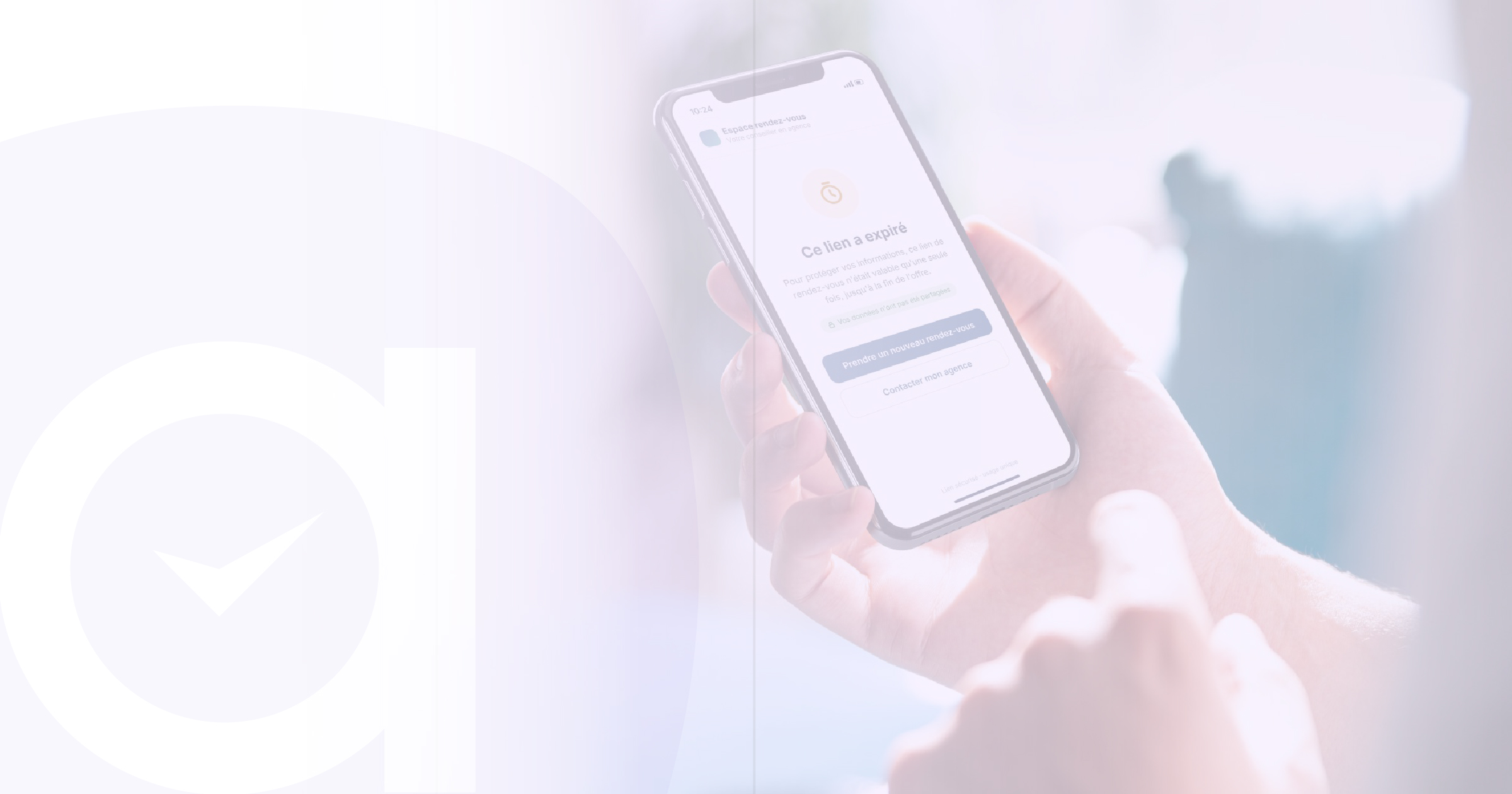
This is a legitimate concern for sales teams: does an expired link mean a lost appointment? Not if you’ve planned for it. The page for an expired link should offer an alternative: booking a general appointment with the agency or getting in touch. A consultant who sees an expired link without an appointment can resend a new link with a single click. A well-managed expired link becomes a trigger for follow-up, not a dead end.
How Agendize applies these rules
In Agendize, the link generator can be opened from the dashboard or directly from a contact's profile. The consultant selects the agency, the staff member, the reason, and the client. They then activate the options that match the intended use:
- Single-use link ;
- Automatic expiration, from 1 hour to 2 years;
- Source to track which channel generated the appointment;
- Advanced settings to share business information.
The link can be sent via email, SMS, QR code, or simply copied. Each link is tracked: visits, appointments booked, expiration date, by branch, staff member, and department. It appears in the contact's history and can be resent with one click. All operated by a French provider ISO 27001 certified.
The 5-minute test
Open the last campaign email sent to your customers. Click on the appointment link and answer:
In summary
FAQ
Want to see a contextualized link in action?
In 30 minutes, an Agendize expert will show you how to create a link from a customer profile, send it via email or SMS, and track its performance, branch by branch.
Learn more: Discover the Agendize appointment booking widget · Digital sovereignty, GDPR, NIS2: the new standards for choosing your SaaS software
Contact one of our experts to take advantage of Agendize expertise and find out more about the feasibility of your project.